UnterUns
Nicht alles ist offensichtlich.
Hier findest Du nach und nach alle Funktionen von UnterUns.
Und wenn Du dann immer noch nicht weiter kommst, melde Dich gerne bei mir. Deine Fragen helfen mir, diese Seite zu vervollständigen.
UnterUns
Not everything is obvious.
Here you will gradually find all the functions of UnterUns.
And if you still get stuck, feel free to contact me. Your questions will help me to complete this page.
Diese Anleitung gilt für UnterUns auf Deinem iPad und Deinem iPhone. Die Bedienoberfläche kann je nach Gerät etwas anders aussehen, die beschriebenen Funktionen und Arbeitsschritte sind jedoch weitgehend identisch.
This guide applies to Ours on your iPad and iPhone. The user interface may look slightly different depending on the device, but the described functions and work steps are largely identical.
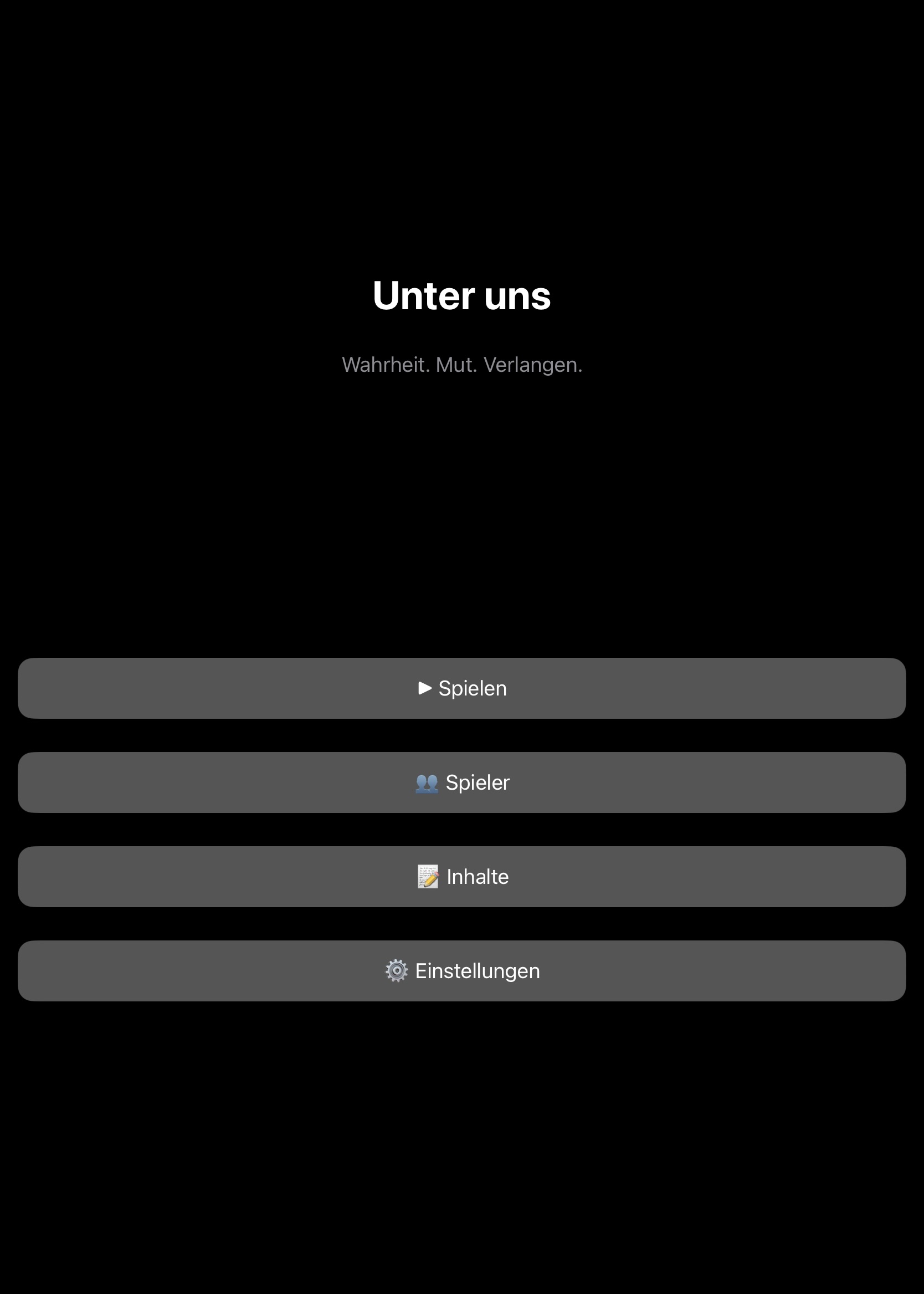
Der Aufbau der App ist im iPhone und im iPad identisch. Die Screenshots habe ich mit meinem iPad angefertigt.
Zunächst einmal präsentiert sich die App vollkommen unaufgeregt nach dem Öffnen.
Mit „Spielen“ startest Du ein Spiel, mit „Spieler“ legst Du die Mitspieler fest, mit „Inhalte“ legst Du die Fragen und Aufgaben fest und mit Einstellungen nimmst Du Spieleinstellungen vor.
Vor dem ersten Spiel solltest Du Dich mit den Einstellungen vertraut machen.
The structure of the app is identical on iPhone and iPad. I took the screenshots with my iPad.
First of all, the app presents itself completely unexcited after opening.
With „Play“ you start a game, with „Player“ you set the fellow players, with „Content“ you set the questions and tasks and with Settings you make game settings.
Before the first game, you should familiarise yourself with the settings.
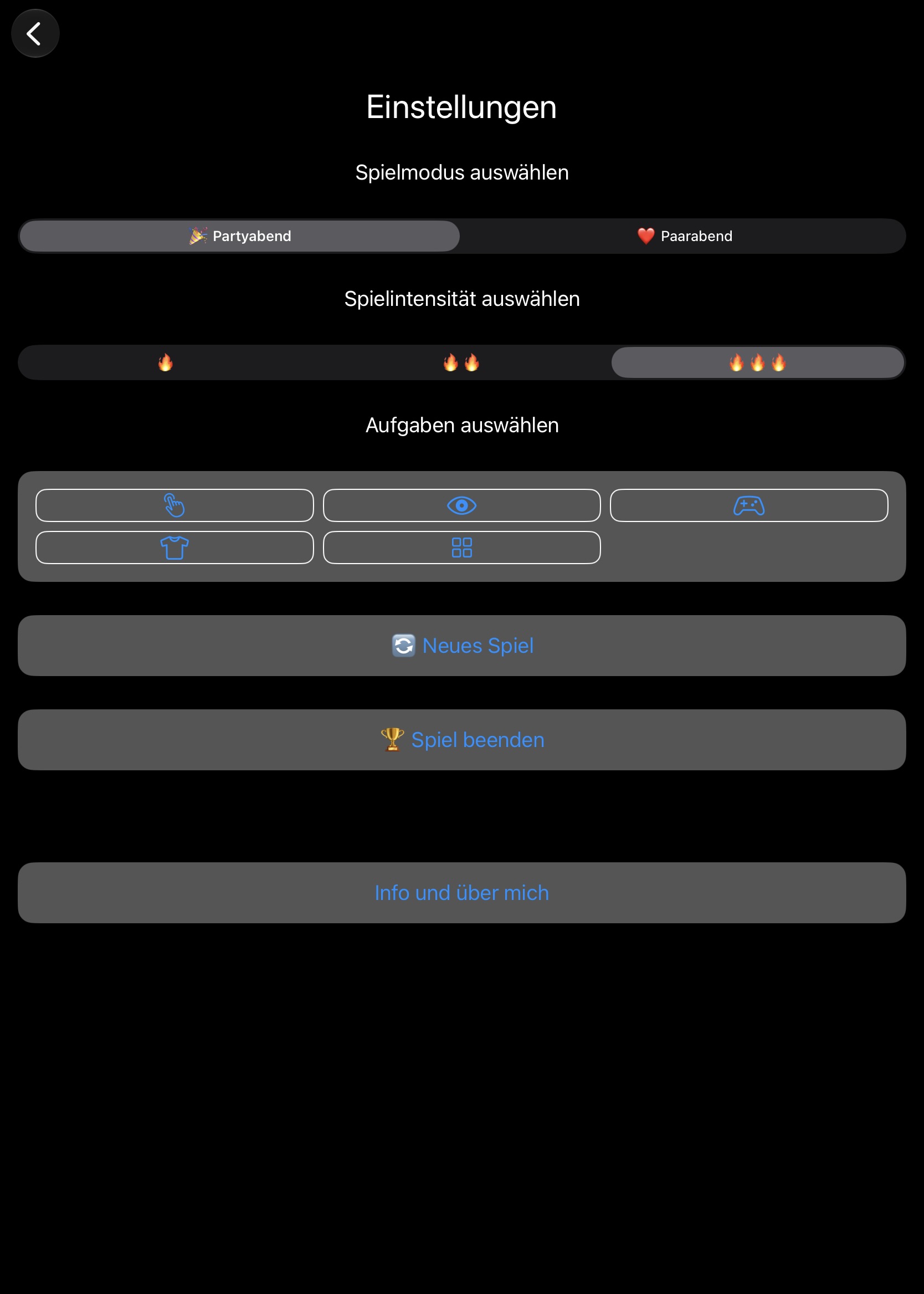
In den Einstellungen wählst Du als erstes aus, ob Ihr mehr als zwei Personen seid (Partyabend) oder ob Ihr das Spiel zu zweit spielen wollt.
Mit der Spielintensität könnt ihr Fragen ein- und ausblenden.
🔥 stellt Euch nur Fragen und Antworten der Kategorie 1
🔥🔥 stellt Euch Fragen und Antworten der Kategorie 1 und 2
🔥🔥🔥 stellt Euch aus allen Kategorien Fragen und Aufgaben.
Die Art der Aufgaben sind noch einmal untergliedert in fünf verschiedene Bereiche, die ihr selbst definieren könnt.
Mit neues Spiel setzt ihr alle Spielpunkte wieder auf Null und beginnt von vorne.
Mit Spiel beenden beendet ihr ein Spiel und bekommt den oder die Gewinner angezeigt.
Ganz wichtig ist der Bereich „Infos und über mich“
In the settings, first select whether you are more than two people (party night) or whether you want to play the game as a couple.
With the game intensity you can show and hide questions.
🔥 ask only questions and answers of category 1
🔥🔥 ask yourself questions and answers of category 1 and 2
🔥🔥🔥 Ask yourself questions and tasks from all categories.
The type of tasks are once again divided into five different areas, which you can define yourself.
With the new game you set all game points back to zero and start from the beginning.
With Finish Game you finish a game and get the winner(s) displayed.
Very important is the section „Infos and about me“
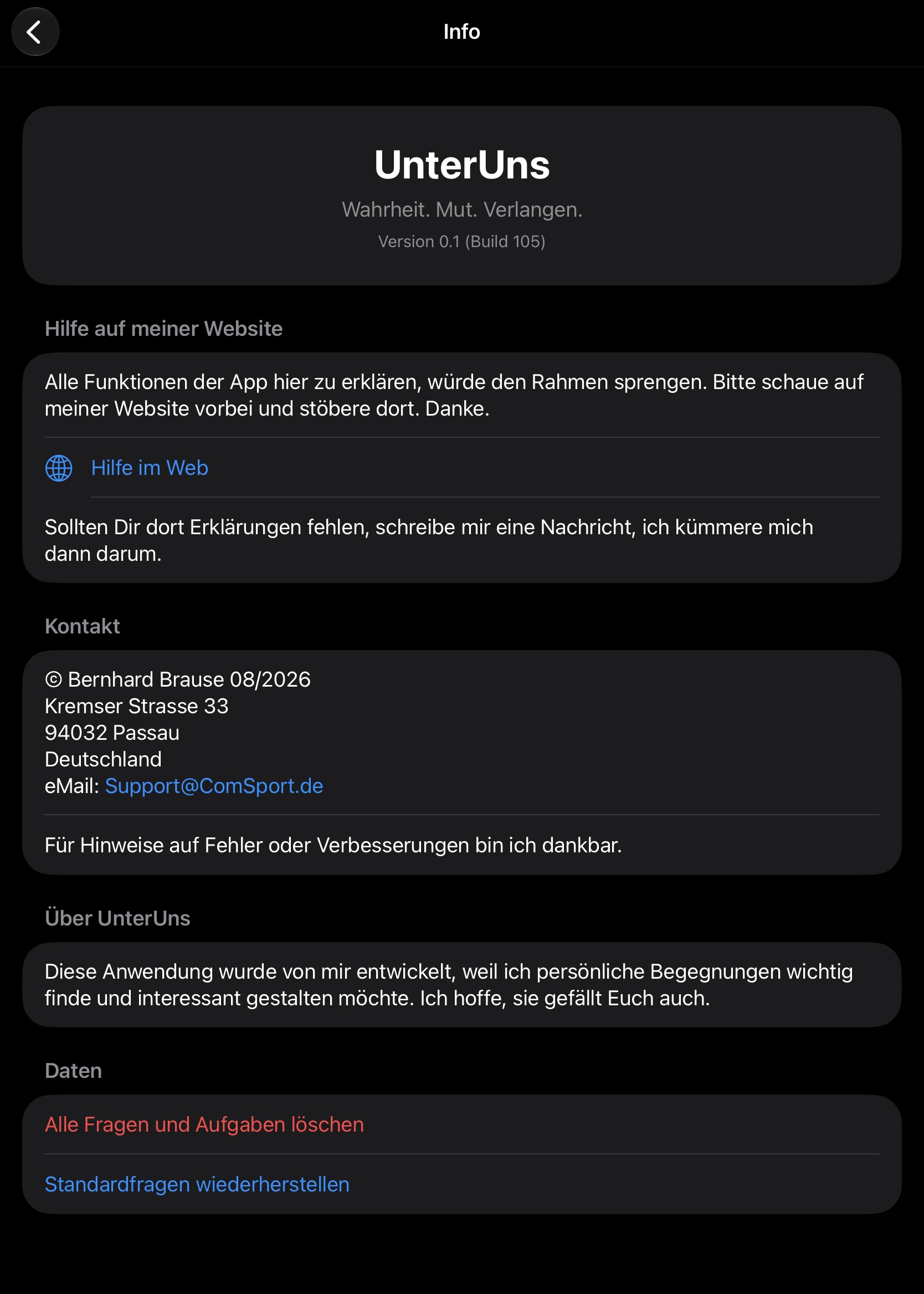
Falls Du einmal Support benötigt, findest Du hier die Versions- und Buildnummer, die für mich wichtig sind.
Den Hilfe-Link hast Du schon entdeckt, sonst wärst Du wohl nicht auf dieser Seite gelandet.
Die letzten beiden Punkte sind etwas versteckt, damit sie nicht versehentlich angeklickt werden.
„Alle Fragen und Aufgaben löschen“ macht genau das, was es soll. Es löscht unwiederbringlich alle erfassten Fragen und Aufgaben.
„Standardfragen wiederherstellen“ löscht zunächst unwiederbringlich alle Fragen und Aufgaben und lädt dann die in der App hinterlegte Fragen und Aufgaben in den Spielbereich.
Seid also vorsichtig mit diesen beiden Punkten.
If you ever need support, you will find here the version and build number that are important to me.
You have already discovered the help link, otherwise you would probably not have landed on this page.
The last two dots are somewhat hidden so that they are not accidentally clicked on.
„Delete all questions and tasks“ does exactly what it should. It irretrievably deletes all recorded questions and tasks.
„Restore default questions“ initially irrevocably deletes all questions and tasks and then loads the questions and tasks stored in the app into the play area.
So be careful with these two points.
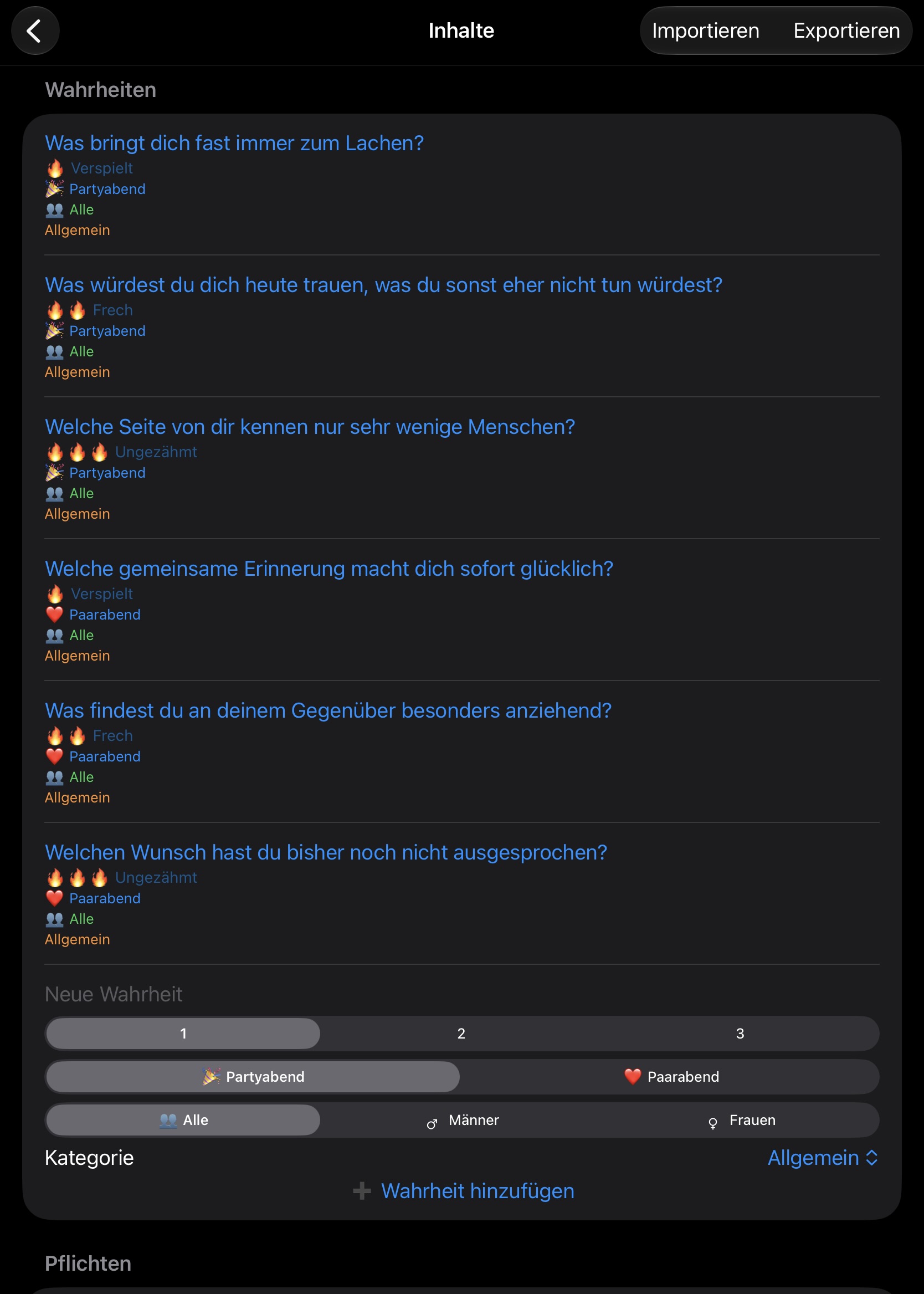
Die Seite Inhalte ist der Bereich mit der größten Vorfreude. Hier könnt Ihr Euch gemeinsam Fragen und Aufgaben ausdenken und erfassen. Getrennt nach Fragen (auf dem Screenshot) und Aufgaben, weiter unten.
Die angezeigten Beispielfragen habe ich alle der Kategorie „Allgemein“ zugeordnet.
Jeder Frage könnt ihr den Schwierigkeitsgrad, ob Party oder zu zweit, ob die Fragen für alle, nur für die männlichen oder nur für die weiblichen Teilnehmer gelten und noch eine Kategorie zuordnen.
Mit Klich auf „Wahrheit hinzufügen“ habt ihr eine Frage erfasst. Die Aufgaben weiter unten werden identisch gehandhabt.
Alles was Ihr erfasst, bleibt bei Euch auf dem Gerät. Nichts wird irgendwohin übertragen. Nur Ihr persönlich habt Zugriff darauf.
Über Importieren könnt Ihr fertige Frage- und Aufgabenlisten in die App importieren und über Exportieren auch wieder auf Eurem Gerät sichern und an Freunde weitergeben.
The content page is the area with the greatest anticipation. Here you can come up with questions and tasks together. Separated by questions (on the screenshot) and tasks, below.
I have assigned all the displayed example questions to the category „General“.
Each question you can assign the degree of difficulty, whether party or for two, whether the questions apply to everyone, only to the male or only to the female participants and assign another category.
With a click on „Add truth“ you have recognised a question. The tasks below are handled identically.
Everything you collect stays with you on the device. Nothing is transferred anywhere. Only you personally have access to it.
Using Import, you can import ready-made question and task lists into the app and use Export to back up to your device and share them with friends.
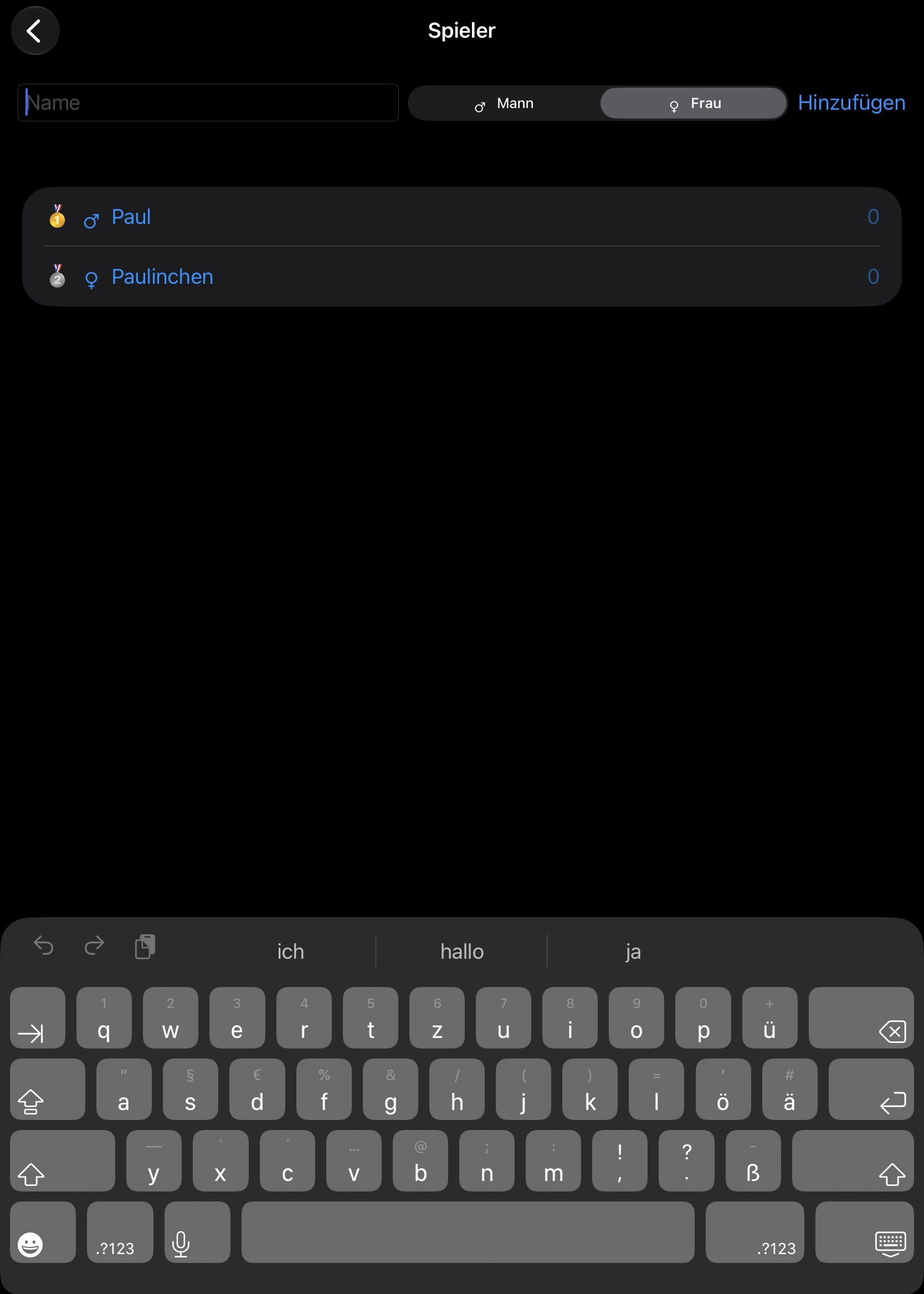
Auf der Seite Spieler habe ich zwei Spieler erfasst:
Paul und Paulinchen.
Paul habe ich das Attribut Mann hinzugefügt und Paulinchen hat das Attribut Frau bekommen.
Hier könnt Ihr noch unendlich viele Mitspieler erfassen oder auch wieder löschen. Zum löschen einfach den Spieler nach links wischen auf auf den Mülleimer klicken.
Ganz rechts neben dem Namen seht ihr auch die gewonnenen Spielpunkte.
On the players side, I have entered two players:
Paul and Paulinchen.
Paul I added the attribute man and Paulinchen got the attribute woman.
Here you can still collect or delete an infinite number of players. To delete, simply swipe the player to the left and click on the trash can.
On the far right of the name you can also see the winning game points.
Wenn Ihr Spieler angelegt und Fragen und Aufgaben definiert habt, könnt Ihr das Spiel starten.
Once you have created players and defined questions and tasks, you can start the game.
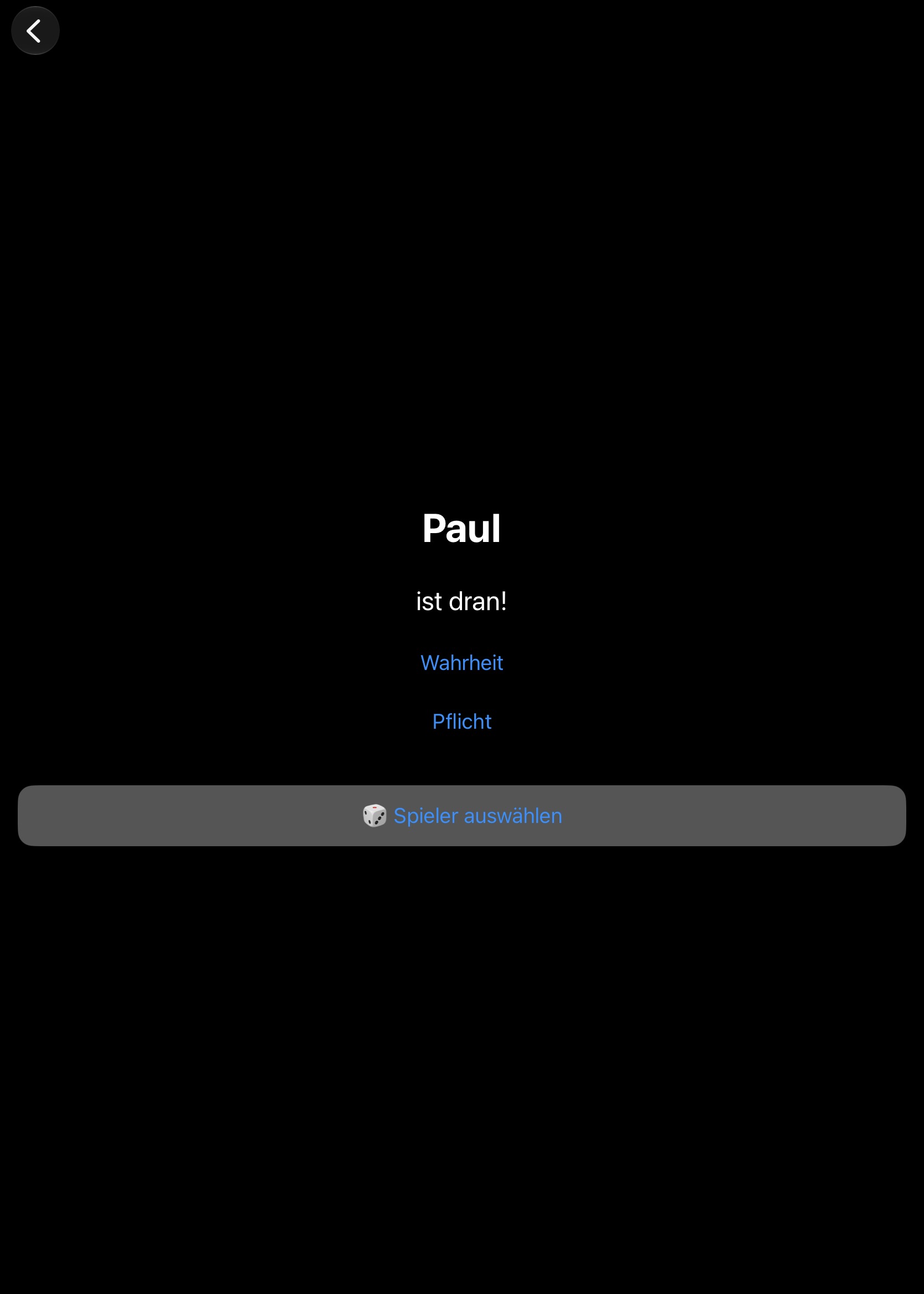
Die App gibt vor, wer gerade dran ist. Der Spieler kann sich dann noch entscheiden, ob er eine Frage gestellt bekommen möchte (Wahrheit) oder lieber eine Aufgabe erfüllen möchte (Pflicht).
Mit Klick auf Wahrheit oder Pflicht öffnet sich die nächste Seite.
The app specifies who is currently on it. The player can then decide whether he wants to be asked a question (truth) or rather fulfils a task (obligation).
Clicking on Truth or Dare to open the next page.
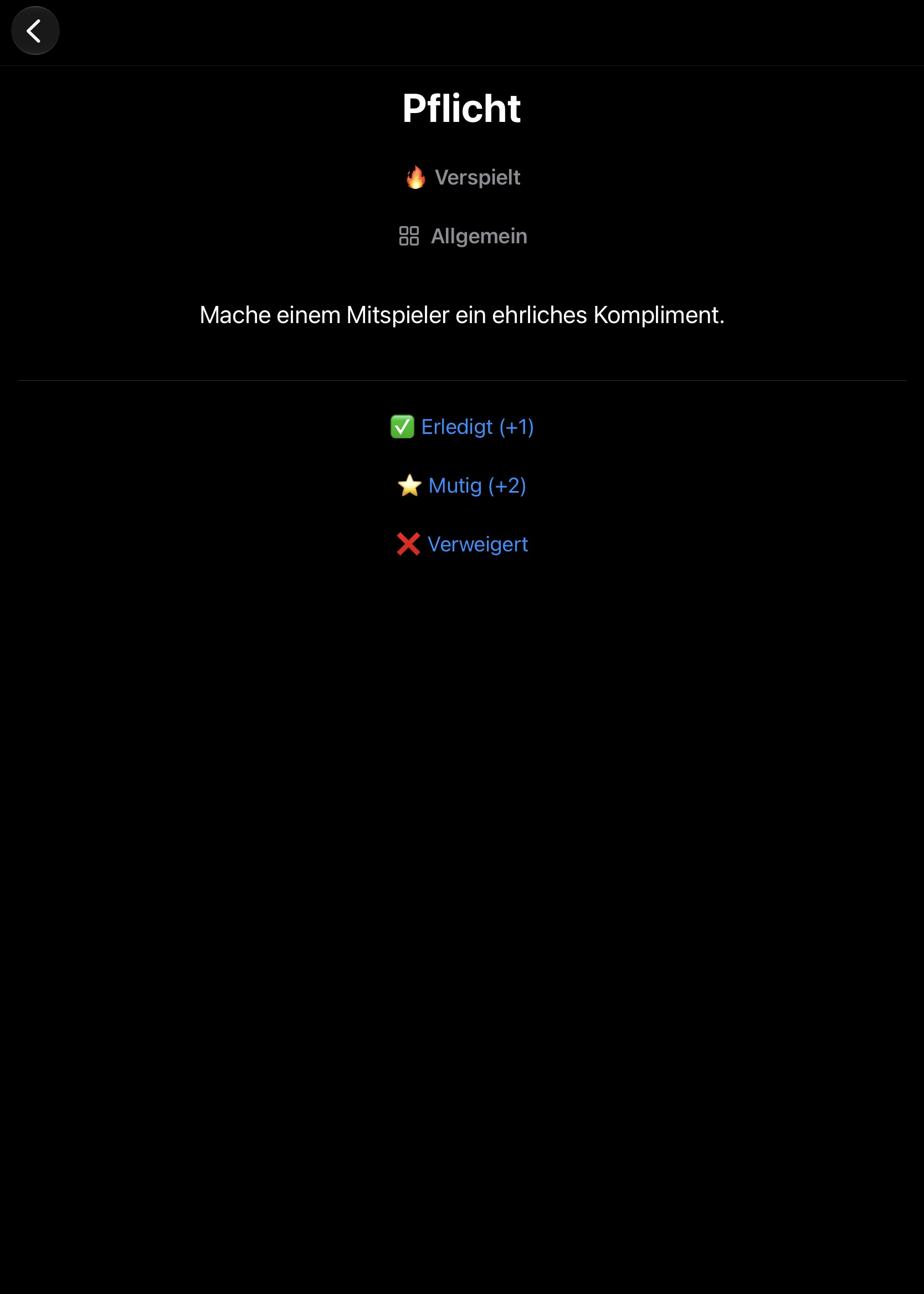
Paul hatte sich für eine Aufgabe entschieden. Die Aufgabe lautet: „Mache einem Mitspieler ein ehrliches Kompliment.“
Die anderen Spieler entscheiden dann, ob Paul seine Aufgebe normal erledigt hat, sich dabei besonders angestrengt hat oder ob er sich verweigert hat.
Danach bemessen sich die Spielpunkte von 0 bis 2, die zu seinem Spielstand addiert werden.
Mit klick auf z.B. Erledigt kann der Spielführer einen neuen Spieler auswählen.
Irgendwann einmal sind alle Fragen oder Antworten durchgespielt, dann habt Ihr die Möglichkeit den Stapel neu zu mischen und einfach weiter zu spielen.
Alternativ betrachtet Ihr das Spiel als beendet und verkündet den Spielstand, den Ihr bei den Spielern abrufen könnt.
Paul had decided on a task. The task is: „Give a fellow player an honest compliment.“
The other players then decide whether Paul has completed his homework normally, exerted himself particularly hard or whether he refused.
After that, the game points are measured from 0 to 2, which are added to his score.
By clicking on e.g. Done, the game guide can select a new player.
At some point, once all the questions or answers have been played through, then you have the opportunity to remix the stack and simply continue playing.
Alternatively, consider the game as finished and announce the score that you can call up from the players.
Stell im Vorfeld Eures Spieleabends die Fragen und Aufgaben zusammen.
Das macht bald noch mehr Spaß, als das Spiel dann zu spielen.
Put together the questions and tasks in the run-up to your game night.
This is soon even more fun than playing the game then.
Wenn Du weitere Erklärungen brauchst, schreibe mir bitte.
Natürlich auch, wenn Du Ideen für zukünftige Releases hast.
If you need further explanation, please write to me.
Of course, if you have ideas for future releases.